49/08, Nirala Residential Area, Khulna
contact@digitalexpertit.com
←Back to Articles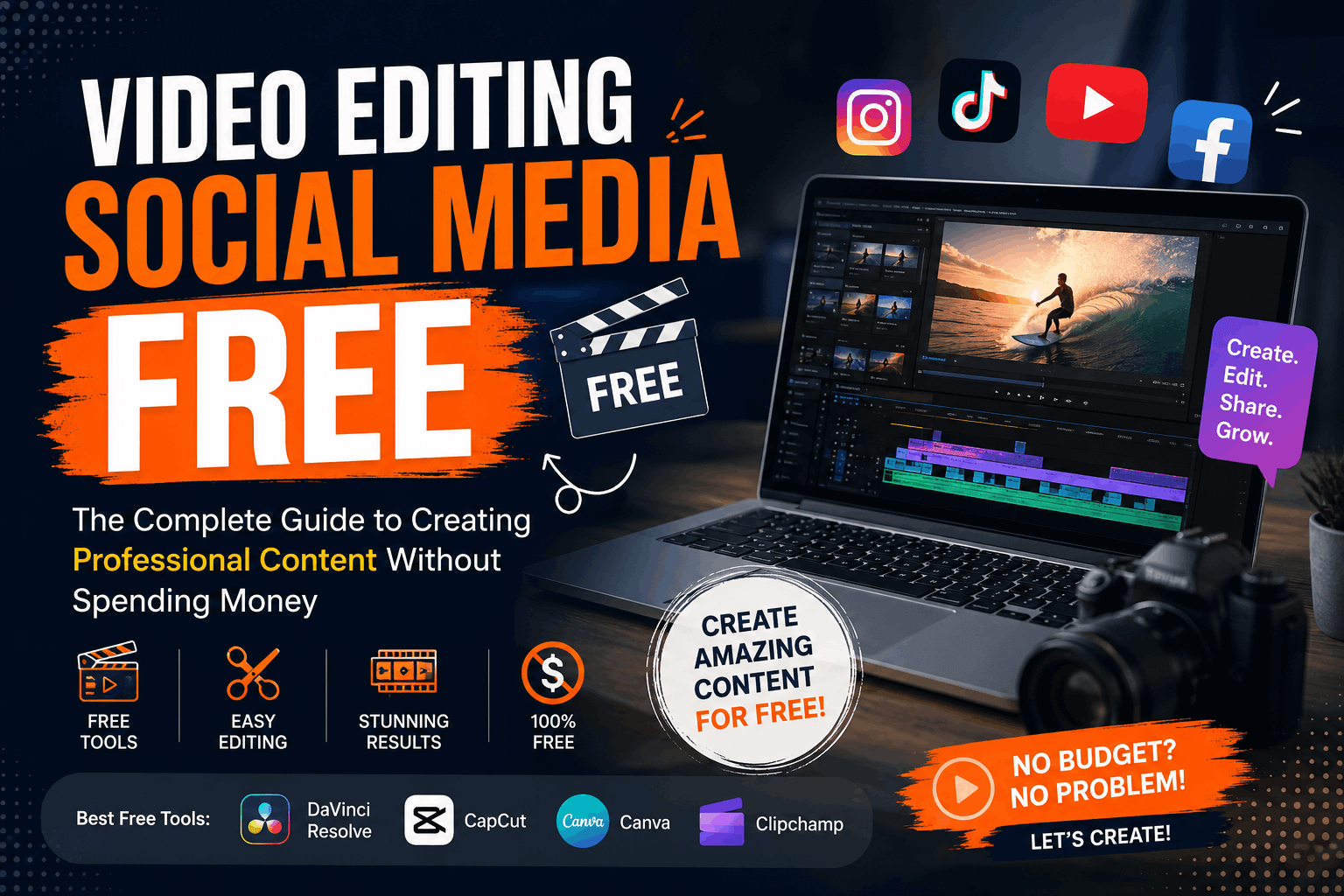 July 29, 20266 min read
Video Editing Social Media Free: The Complete Guide to Creating Professional Content Without Spending Money
D
Digital Expert IT
Author
In today's digital world, social media is one of the most powerful ways to grow a business, build a personal brand, or connect with an audience. But one challenge many creators and small businesses face is creating engaging videos without a big budget. That's where video editing social media free becomes an essential solution.
The good news? You don't need expensive software to produce eye-catching content. With the right free editing tools, creative strategies, and basic editing skills, you can create videos that look professional and perform well on platforms like Instagram, Facebook, TikTok, YouTube Shorts, and LinkedIn.
In this guide, you'll learn the best free video editing options, practical editing tips, and when it's time to upgrade to professional editing services for faster business growth.
Why Video Editing Matters for Social Media
People scroll through hundreds of posts every day. If your video doesn't grab attention within the first few seconds, they'll simply move on.
Professional-looking editing helps you:
- Increase watch time
- Improve engagement
- Build brand credibility
- Boost shares and saves
- Generate more leads and sales
Even if you're using free editing software, applying the right editing techniques can dramatically improve your results.
Best Free Video Editing Tools for Social Media
If you're searching for video editing social media free, these tools are among the best available.
1. CapCut
CapCut is one of the most popular free editors for short-form content.
Features include:
- Auto captions
- Trending transitions
- Text animations
- Music library
- Filters
- Mobile and desktop versions
It's ideal for TikTok, Instagram Reels, and YouTube Shorts.
2. Canva Video Editor
Many people know Canva for graphic design, but its free video editor is also impressive.
You can:
- Create promotional videos
- Add animations
- Use ready-made templates
- Insert your brand colors
- Export social media videos quickly
It's especially useful for beginners.
3. DaVinci Resolve
If you're creating longer videos or YouTube content, DaVinci Resolve offers professional editing capabilities for free.
It includes:
- Color correction
- Audio editing
- Motion graphics
- Advanced transitions
Although it has a learning curve, it's one of the most powerful free editors available.
4. VN Video Editor
VN Video Editor is another excellent free mobile app.
Benefits include:
- No watermark
- Easy timeline editing
- Speed controls
- Text animations
- Multi-layer editing
Perfect for creators who edit directly from their phones.
Tips for Editing Better Social Media Videos
Free software alone won't guarantee success. Your editing style plays a huge role in keeping viewers engaged.
Hook Viewers in the First Three Seconds
Start with:
- A surprising fact
- A question
- A bold statement
- An interesting visual
The faster you grab attention, the longer viewers will stay.
Add Captions
Many users watch videos without sound.
Captions help by:
- Increasing accessibility
- Improving retention
- Keeping viewers engaged
Auto-caption tools make this process much easier.
Keep Videos Short
Different platforms have different preferences, but shorter videos generally perform better.
Aim for:
- 15–30 seconds for quick tips
- 30–60 seconds for tutorials
- Under 90 seconds for promotional videos
Every second should provide value.
Use Brand Colors and Fonts
Consistent branding helps people recognize your content immediately.
Include:
- Your logo
- Brand colors
- Consistent typography
- Simple animations
This creates a more professional appearance even with free editing tools.
Add Smooth Transitions
Avoid overusing flashy effects.
Simple transitions often perform better because they keep the viewer focused on the message rather than the editing.
Common Mistakes to Avoid
Many creators unknowingly reduce their video's performance by making simple editing mistakes.
Avoid:
- Long introductions
- Low-quality audio
- Shaky footage
- Tiny text
- Poor lighting
- Too many effects
- Inconsistent branding
Clean, simple videos often outperform overly edited ones.
Can Free Video Editing Help Businesses?
Absolutely.
Many successful businesses started by creating social media content using free editing software.
However, as your audience grows, you'll likely need:
- Faster production
- Better storytelling
- High-quality motion graphics
- Advanced animations
- Platform-specific optimization
Professional editing saves time while delivering stronger marketing results.
When Should You Hire Professional Video Editors?
Free editing tools are excellent for beginners, but businesses eventually reach a point where professional editing becomes a competitive advantage.
Consider outsourcing when you:
- Post content daily
- Run paid advertising campaigns
- Need consistent branding
- Want cinematic promotional videos
- Create educational content regularly
- Lack time for editing
Professional editors understand audience psychology, pacing, storytelling, and platform algorithms.
If you're looking for expert video editing, content creation, website development, SEO, and complete digital marketing solutions, explore the services offered by Digital Expert IT's professional digital marketing and creative services.
Why Consistency Beats Expensive Software
One of the biggest misconceptions is that expensive software automatically creates better videos.
It doesn't.
Successful creators focus on:
- Publishing consistently
- Solving audience problems
- Improving editing over time
- Following content trends
- Testing different video styles
Consistency almost always outperforms perfection.
Final Thoughts
Finding the best video editing social media free solution has never been easier. Free editing software has become incredibly powerful, allowing creators, freelancers, startups, and small businesses to produce engaging social media content without investing in expensive programs.
The key isn't choosing the most advanced editor—it's understanding your audience, creating valuable content, and maintaining a consistent posting schedule.
As your business grows, investing in professional editing can help you save time, strengthen your brand, and achieve better marketing results.
If you're ready to elevate your online presence with expert video editing, web development, SEO, and digital marketing, visit Digital Expert IT to learn how experienced professionals can help your business grow faster.
Frequently Asked Questions (FAQs)
Is there any completely free video editing software for social media?
Yes. CapCut, Canva, VN Video Editor, and DaVinci Resolve all offer excellent free versions suitable for creating high-quality social media videos.
Which free video editor is best for Instagram Reels?
CapCut is widely considered one of the best free editors for Instagram Reels because of its templates, captions, effects, and mobile-friendly interface.
Can I edit professional videos without paying?
Absolutely. Many creators and small businesses produce professional-looking content using free editing tools combined with good lighting, clear audio, and effective storytelling.
Do free video editors leave watermarks?
Some free editors include watermarks, while others—such as VN Video Editor and DaVinci Resolve—allow watermark-free exports. Always check the export settings before publishing.
How often should businesses post edited social media videos?
For steady growth, aim to publish at least three to five quality videos per week. Consistency is more important than posting a large number of low-quality videos.
Should I use free editing tools or hire professionals?
Free tools are ideal for beginners and small projects. If your business relies on social media for lead generation, branding, or paid advertising, professional video editing can improve quality, save time, and increase your return on investment.