49/08, Nirala Residential Area, Khulna
contact@digitalexpertit.com
←Back to Articles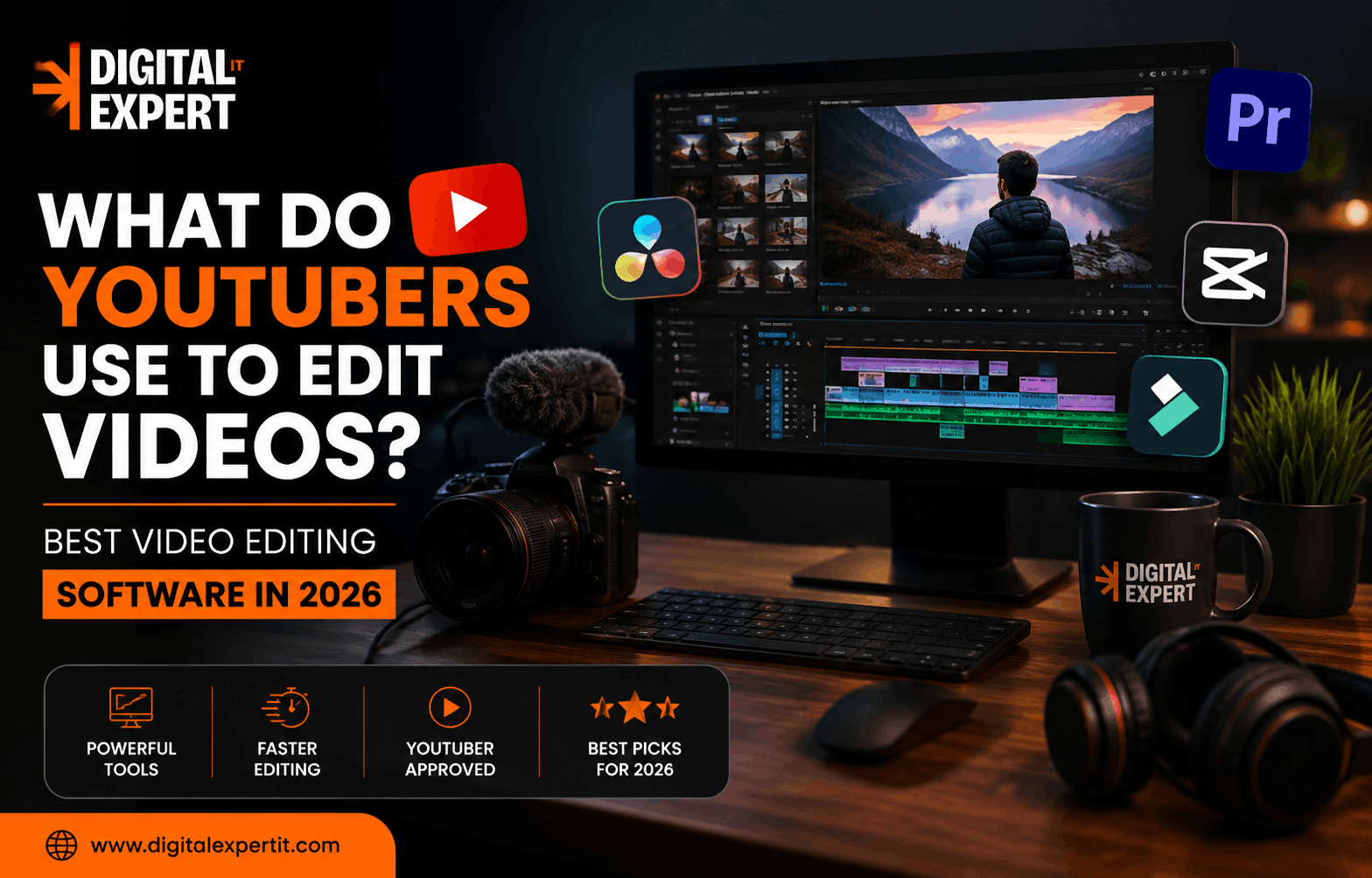 September 2, 20269 min read
What Do YouTubers Use to Edit Videos? Best Video Editing Software in 2026
D
Digital Expert IT
Author
If you’ve ever watched a polished YouTube video and wondered, “What do YouTubers use to edit videos?”, you’re not alone. The answer isn’t as simple as choosing one popular editing app.
Different YouTubers use different software depending on their content, budget, computer, editing skills, and the type of videos they create. Some rely on professional programs such as Adobe Premiere Pro or DaVinci Resolve, while beginners and Shorts creators often choose easier tools such as CapCut.
The good news is that you don’t need expensive equipment or complicated software to start creating quality YouTube videos. What matters most is choosing an editor that fits your workflow.
What Do YouTubers Use to Edit Videos?
The most common video editing software used by YouTubers includes Adobe Premiere Pro, DaVinci Resolve, Final Cut Pro, CapCut, and iMovie.
Professional creators often use advanced desktop editors because they provide detailed control over cuts, audio, color grading, visual effects, captions, and motion graphics. Meanwhile, newer creators may prefer simple software that allows them to edit and publish videos quickly.
Here are some of the most popular options.
1. Adobe Premiere Pro
Adobe Premiere Pro remains one of the leading choices for professional YouTube video editing.
It provides a complete editing environment for long-form videos, interviews, tutorials, documentaries, gaming videos, product reviews, and other content. Editors can work with multiple video and audio tracks, create transitions, adjust colors, add captions, and integrate their projects with other Adobe applications.
One of Premiere Pro's biggest advantages is its flexibility. If your YouTube channel becomes more sophisticated and you eventually work with a professional editor, Premiere Pro can support a more advanced production workflow.
It can take some time to learn, though. Beginners may find the interface overwhelming at first.
Best for: Professional YouTubers, agencies, experienced editors, and long-form content.
2. DaVinci Resolve
If you're looking for free video editing software for YouTube, DaVinci Resolve is one of the strongest choices available.
DaVinci Resolve combines video editing, color correction, visual effects, motion graphics, and professional audio tools in one application. Its free version is powerful enough for many creators who are just starting their channels.
Another major advantage is its color-grading capability. If you want cinematic-looking footage, detailed color correction, or a consistent visual style across your videos, Resolve gives you plenty of control.
The downside is the learning curve. It has many professional features, so beginners may need some time to understand the interface.
Best for: Beginners who want to grow, filmmakers, serious YouTubers, and creators who want professional results without immediately paying for software.
3. Final Cut Pro
For Mac users, Final Cut Pro is another popular option.
Final Cut Pro is designed specifically for Apple's ecosystem and is known for its fast performance and streamlined editing workflow. It is particularly attractive to creators who already use a Mac and want professional editing without the subscription model associated with some other editing platforms.
It works well for vlogs, tutorials, travel videos, reviews, educational content, and cinematic YouTube productions.
Its biggest limitation is compatibility: it's designed for Apple's platforms, so Windows users will need another editor.
Best for: Mac-based YouTubers, vloggers, professional creators, and editors who prefer Apple's workflow.
4. CapCut
Wondering what editing software YouTubers use for Shorts? CapCut is one of the names you'll frequently come across.
CapCut focuses heavily on fast, social-media-friendly editing. Features such as automatic captions, templates, effects, transitions, resizing, and quick editing tools make it attractive to creators who regularly produce YouTube Shorts and other vertical videos.
It's also much easier for beginners to understand than many professional editing applications.
However, creators producing complex long-form videos may eventually want something with more advanced timeline, color, audio, and project-management capabilities.
Best for: YouTube Shorts, beginners, social media creators, and fast editing workflows.
5. iMovie
If you're completely new to editing and own an iPhone, iPad, or Mac, iMovie can be an excellent starting point.
It's simple, accessible, and provides the basic tools needed to trim clips, add music, create titles, apply transitions, and produce a finished video.
It doesn't offer the same advanced control as Premiere Pro or DaVinci Resolve, but that's actually part of its appeal. You can learn the fundamentals of video editing without being overwhelmed by hundreds of professional features.
Best for: Absolute beginners and casual YouTubers using Apple devices.
Which Video Editing Software Is Best for YouTube?
There isn't one universal answer to what do YouTubers use to edit videos. The best software depends on your goals.
|
Editing Software |
Best For |
Difficulty |
Price Approach |
|
Adobe Premiere Pro |
Professional YouTube videos |
Advanced |
Paid |
|
DaVinci Resolve |
Professional & free editing |
Intermediate/Advanced |
Free + paid version |
|
Final Cut Pro |
Mac creators |
Intermediate |
Paid |
|
CapCut |
Shorts & quick videos |
Beginner |
Free + paid features |
|
iMovie |
Basic editing |
Beginner |
Free |
If you're starting your first channel, you don't necessarily need to spend money on an expensive editor.
DaVinci Resolve is a great choice if you want to learn professional editing skills. CapCut makes more sense if your priority is quick Shorts and social content. Mac users who want a straightforward editing experience can consider iMovie or Final Cut Pro.
What Features Do YouTubers Look for in Editing Software?
The software itself isn't what makes a YouTube video successful. The workflow behind it matters more.
YouTubers commonly look for features such as:
- Fast video trimming and cutting
- Multi-track editing
- Audio cleanup
- Color correction
- Captions and subtitles
- Motion graphics
- Transitions and effects
- Green-screen tools
- Noise reduction
- Different aspect ratios
- High-quality video exports
- Keyboard shortcuts
- Proxy editing for large video files
YouTube itself recommends thinking about editing during the shooting and planning stage. Creators should consider camera angles, pacing, key moments, and how viewers will respond before they even begin editing.
That is an important point: good editing starts before you open your editing software.
How Do YouTubers Edit Videos Professionally?
Professional YouTubers usually don't simply place clips on a timeline and add transitions.
A typical workflow may look something like this:
1. Organize the footage
Video files, audio recordings, graphics, music, and other assets are organized before editing begins.
2. Create the rough cut
Unnecessary footage, mistakes, long pauses, and repetitive sections are removed.
3. Improve pacing
Jump cuts, B-roll, zooms, graphics, and camera changes can keep the video moving without making it feel chaotic.
4. Clean the audio
Clear voice audio is extremely important. Background noise, inconsistent volume, and distracting sounds are reduced or corrected.
5. Add graphics and captions
Titles, subtitles, animations, screenshots, and other visual elements help viewers understand the content.
6. Color-correct the footage
Colors and exposure are adjusted so the footage looks consistent and professional.
7. Export and review
Before publishing, creators watch the final video carefully to identify mistakes, audio problems, spelling errors, or awkward cuts.
YouTube also recommends paying attention to audience retention after publishing. If viewers consistently leave during certain sections, that information can help creators improve their future editing and pacing.
Do YouTubers Edit Their Own Videos?
Not always.
Many smaller creators edit their own videos when they're building their channel. As a channel grows, however, some creators outsource video editing or build an editing team.
This can save a significant amount of time. Instead of spending several hours editing every upload, the creator can focus on scripting, filming, thumbnails, audience engagement, and new content ideas.
For businesses, influencers, coaches, agencies, and established creators, professional video editing services can also help maintain consistent quality while allowing the team to publish more frequently.
Is Expensive Editing Software Necessary?
No.
This is one of the biggest misconceptions about YouTube.
A creator can make an engaging video with free software if they understand storytelling, pacing, audio, and audience expectations. Buying an expensive editing program won't automatically make a boring video interesting.
In fact, YouTube recommends starting with the tools you already have, including editing software that may come pre-installed on your phone or computer.
Focus first on learning how to tell a story, remove unnecessary footage, improve audio, and maintain viewer attention. Upgrade your software when your workflow actually requires it.
Final Thoughts
So, what do YouTubers use to edit videos?
The short answer is: Adobe Premiere Pro, DaVinci Resolve, Final Cut Pro, CapCut, and iMovie are among the most common choices.
Professional creators often prefer powerful desktop editors, while beginners and Shorts creators may benefit from simpler tools.
If you're starting today, don't spend too much time trying to find the "perfect" software. Choose one editor, learn its essential features, and start publishing. Your editing skills will improve much faster by making real videos than by endlessly comparing software.
And if you're building a business or creator brand where video quality matters, a strong editing workflow can make a major difference. Digital Expert IT helps businesses and brands create professional digital experiences and content designed to support their online growth.
FAQs About YouTube Video Editing
1. What do YouTubers use to edit videos?
YouTubers commonly use Adobe Premiere Pro, DaVinci Resolve, Final Cut Pro, CapCut, and iMovie. The best option depends on the creator's experience, content type, device, and budget.
2. What is the best video editing software for YouTube beginners?
CapCut and iMovie are easy options for beginners. DaVinci Resolve is also a strong choice if you want to learn more advanced editing skills from the beginning.
3. What do YouTubers use to edit Shorts?
Many creators use CapCut and other fast editing tools for YouTube Shorts because they make vertical editing, captions, effects, and quick social-media exports easier.
4. Is DaVinci Resolve good for YouTube videos?
Yes. DaVinci Resolve is an excellent option for YouTube because it combines editing, color grading, visual effects, and audio tools. Its free version is particularly attractive to new creators.
5. Do professional YouTubers use Premiere Pro?
Yes. Adobe Premiere Pro remains a major professional editing application and is widely used for complex video production workflows.
6. Can I edit YouTube videos for free?
Yes. DaVinci Resolve, CapCut's free tier, and iMovie can allow creators to begin editing without purchasing expensive professional software.
7. What computer do I need to edit YouTube videos?
It depends on your video resolution and editing software. Basic 1080p videos can be edited on relatively modest computers, while 4K footage, complex effects, and professional workflows benefit from a stronger CPU, more RAM, a capable GPU, and fast storage.
8. Should I edit YouTube videos myself or hire an editor?
If you're just starting, editing your own videos can help you understand pacing and storytelling. Once editing begins taking too much time away from content creation or business activities, hiring a professional editor can be a practical option.